 EyePlayer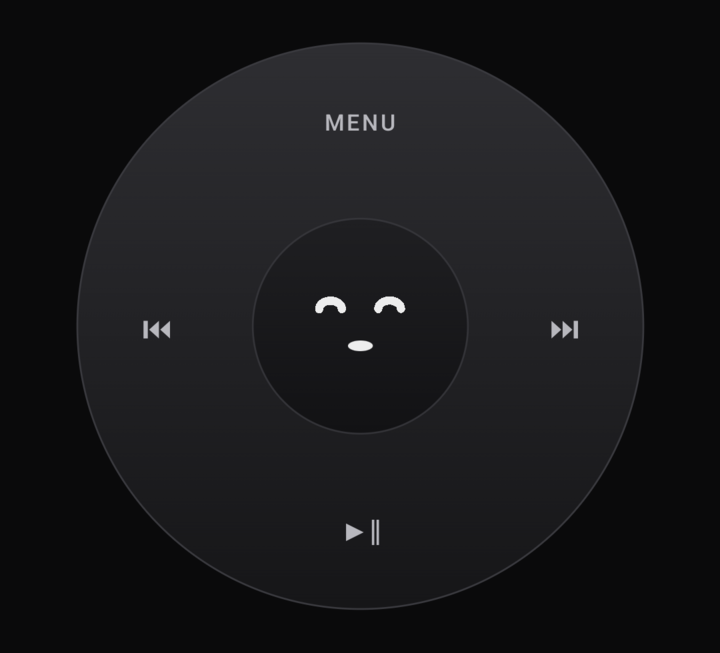
The wheel
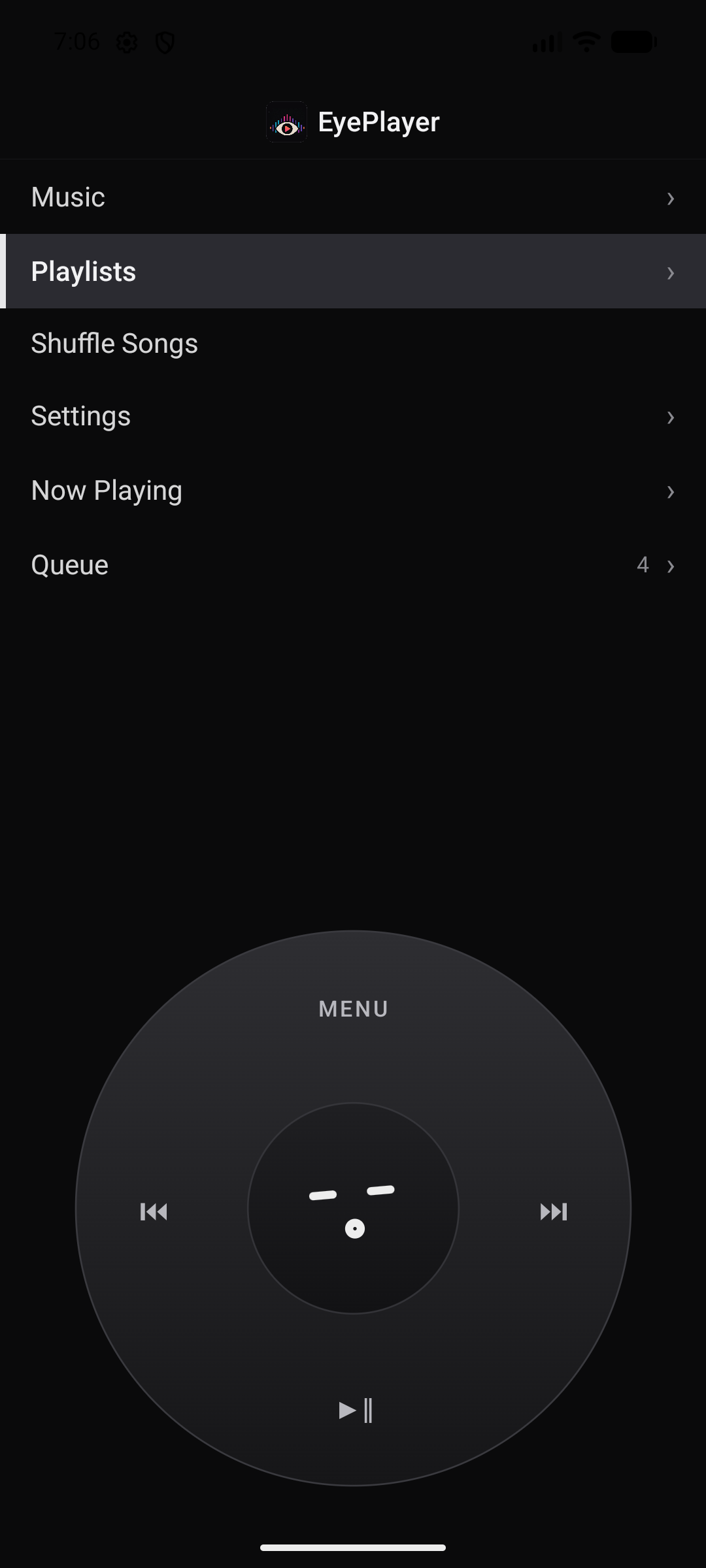
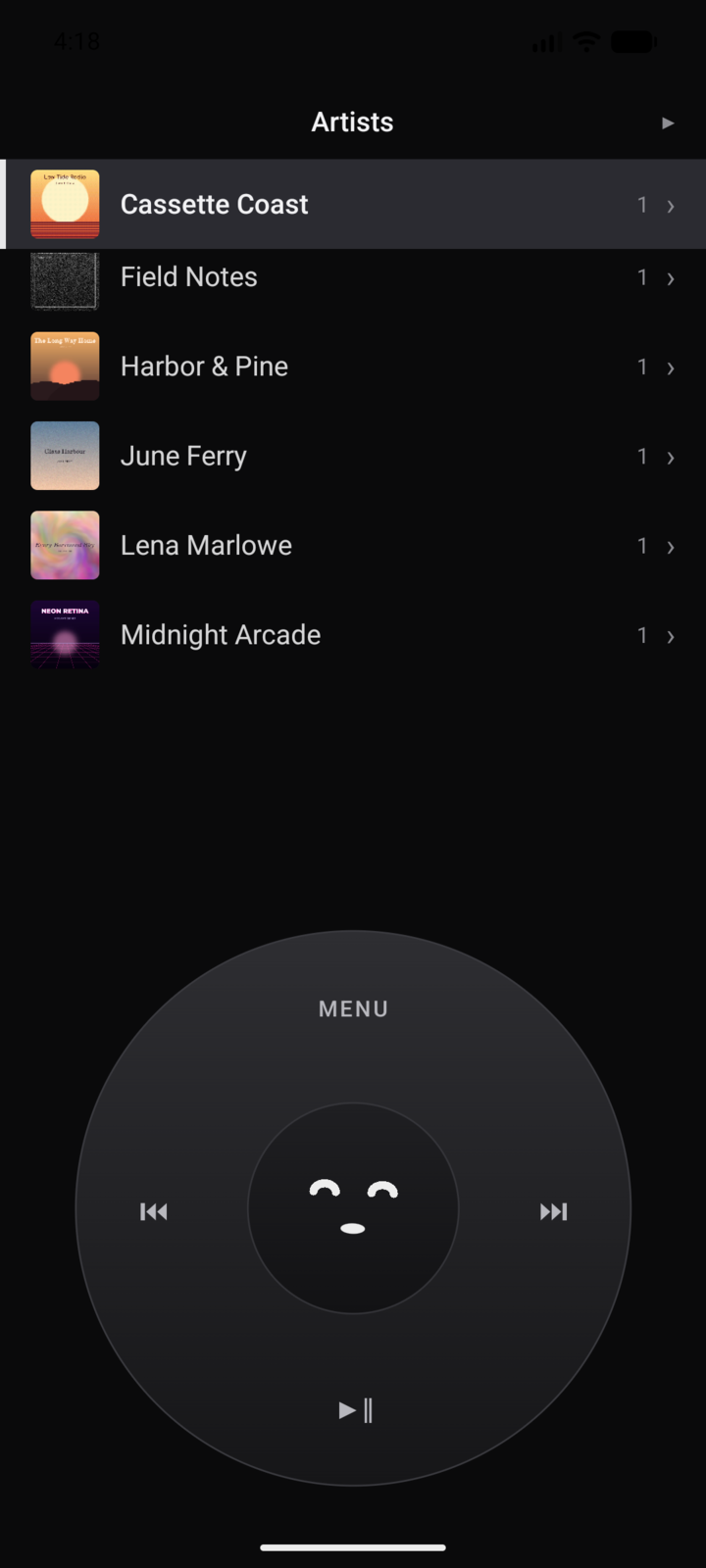
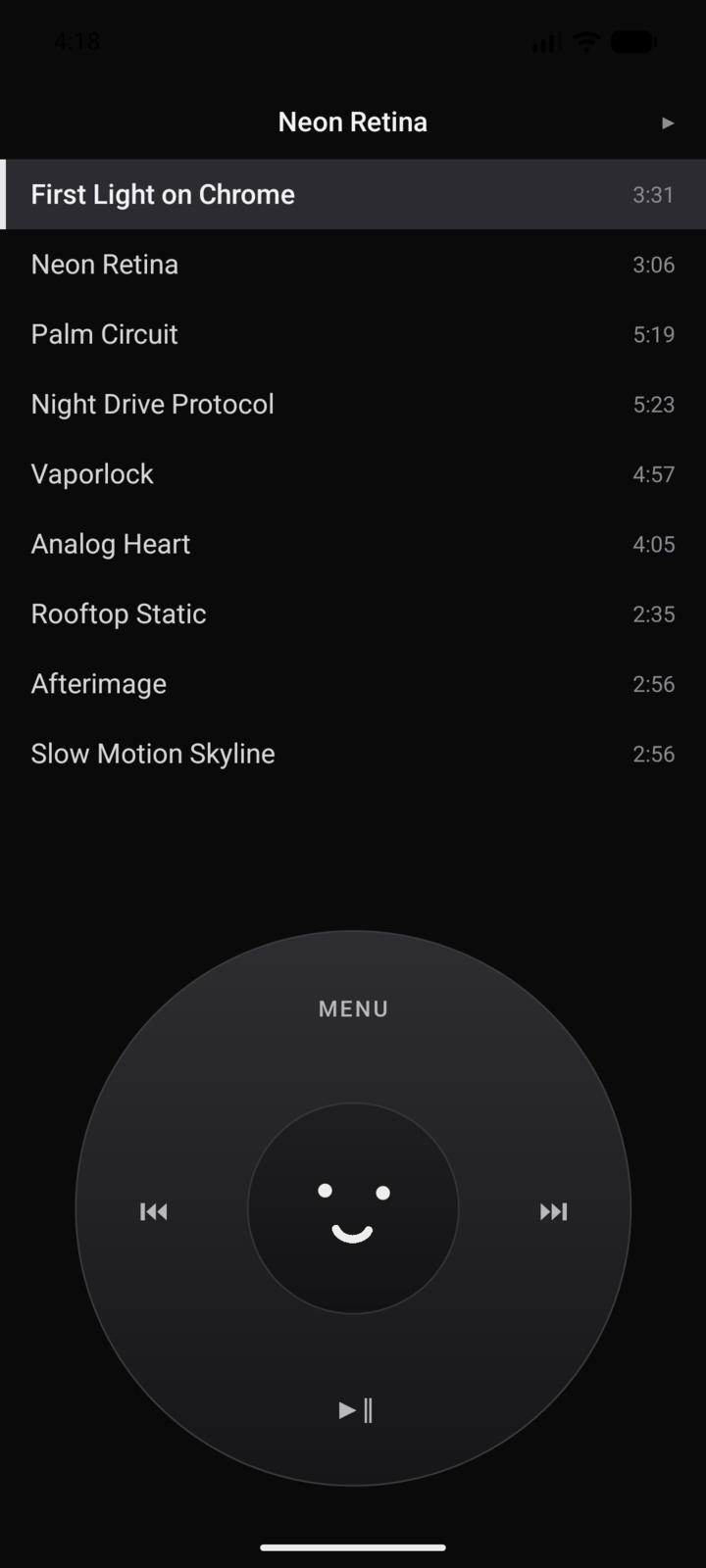
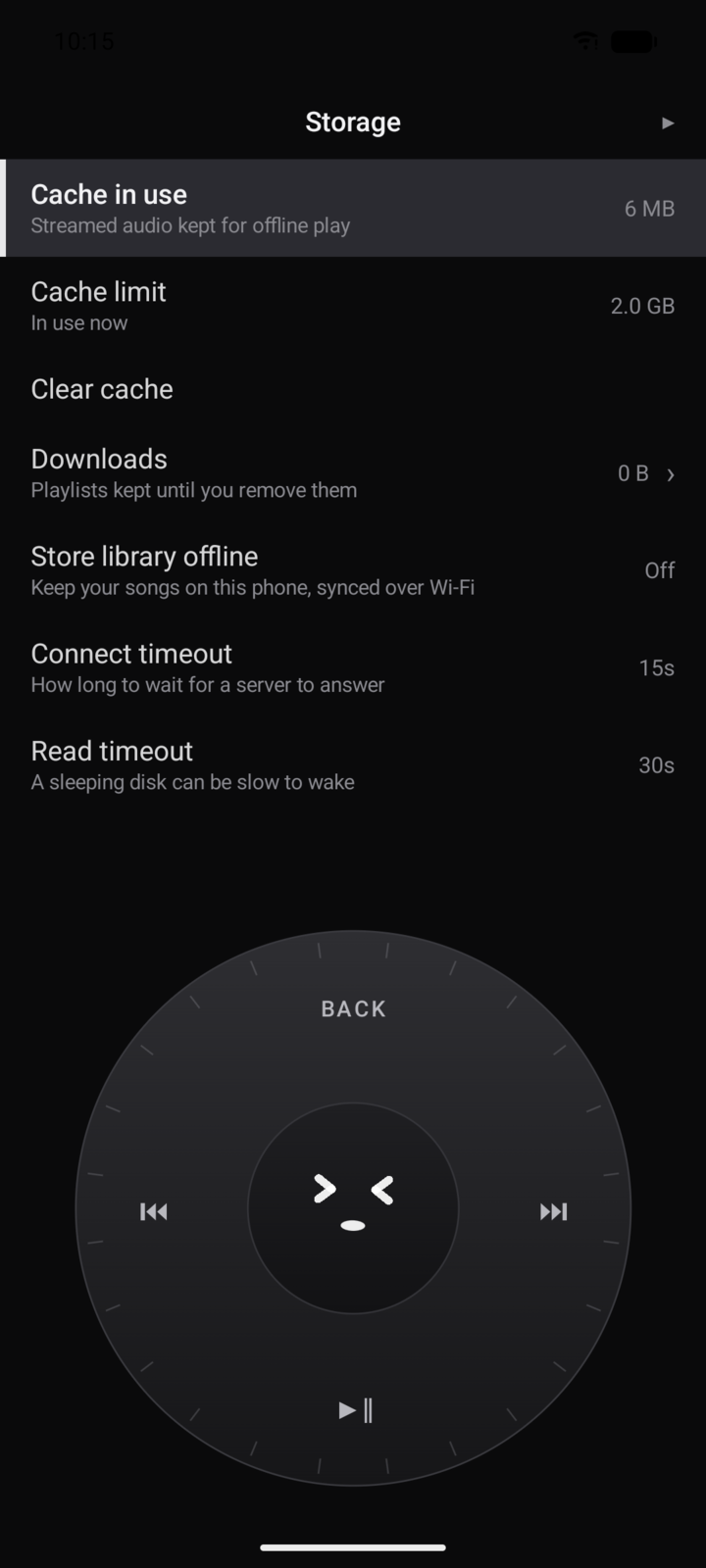
Spin to scroll, click to choose. Haptic detents, an optional piezo tick. Designed for fast, one-handed navigation without swiping through endless feeds.
A phone player with a real rotary touch wheel. A desktop player that runs your whole collection. One library between them: play it, stream it off your NAS, or plug in a cable and sync it. Gapless, ReplayGain, a proper EQ and bit-perfect output on both.

Spin to scroll, click to choose. Haptic detents, an optional piezo tick. Designed for fast, one-handed navigation without swiping through endless feeds.
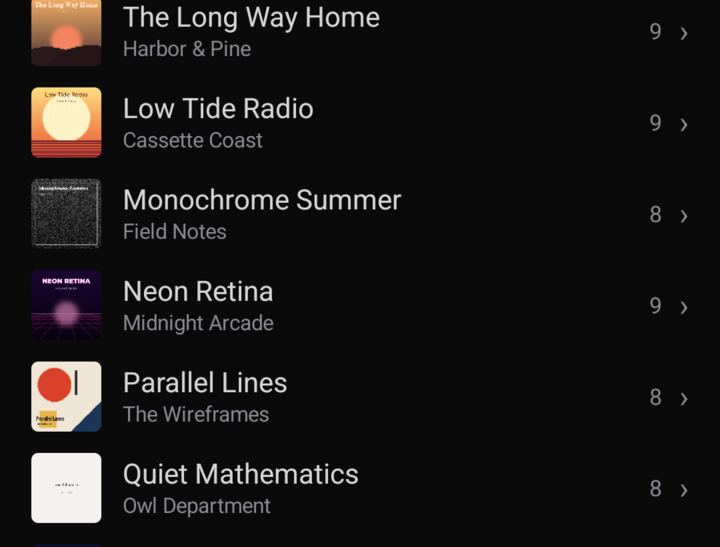
SMB shares, HTTP servers, local folders, USB sync. Point it at the music you already own and press play. A smart cache keeps it working offline.
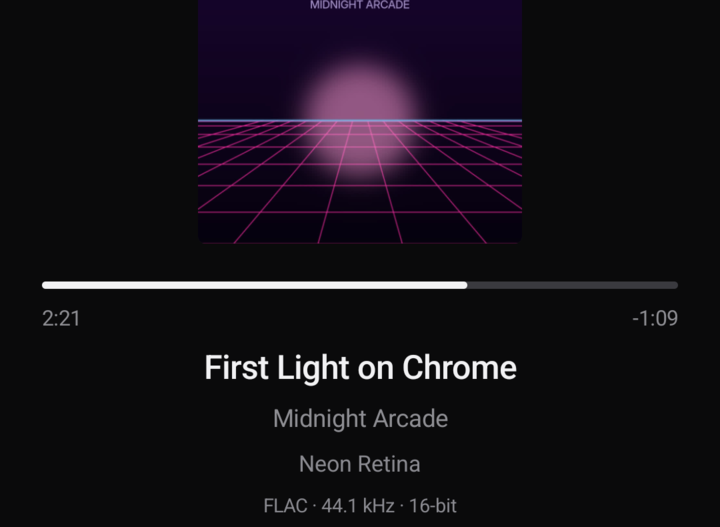
Source-rate following, sample-domain ReplayGain, and a bit-perfect mode that shows the exact format leaving your device. No mystery resampling.
EyePlayer for PC stands on its own: a fast album grid, tag editing, playlists, and the same gapless, ReplayGain-corrected playback at your desk. Windows and Linux.
Then plug in your phone. Your library syncs over USB, straight from your disk to your pocket. Nothing touches a cloud on the way. One account runs both.
Try both when the beta opens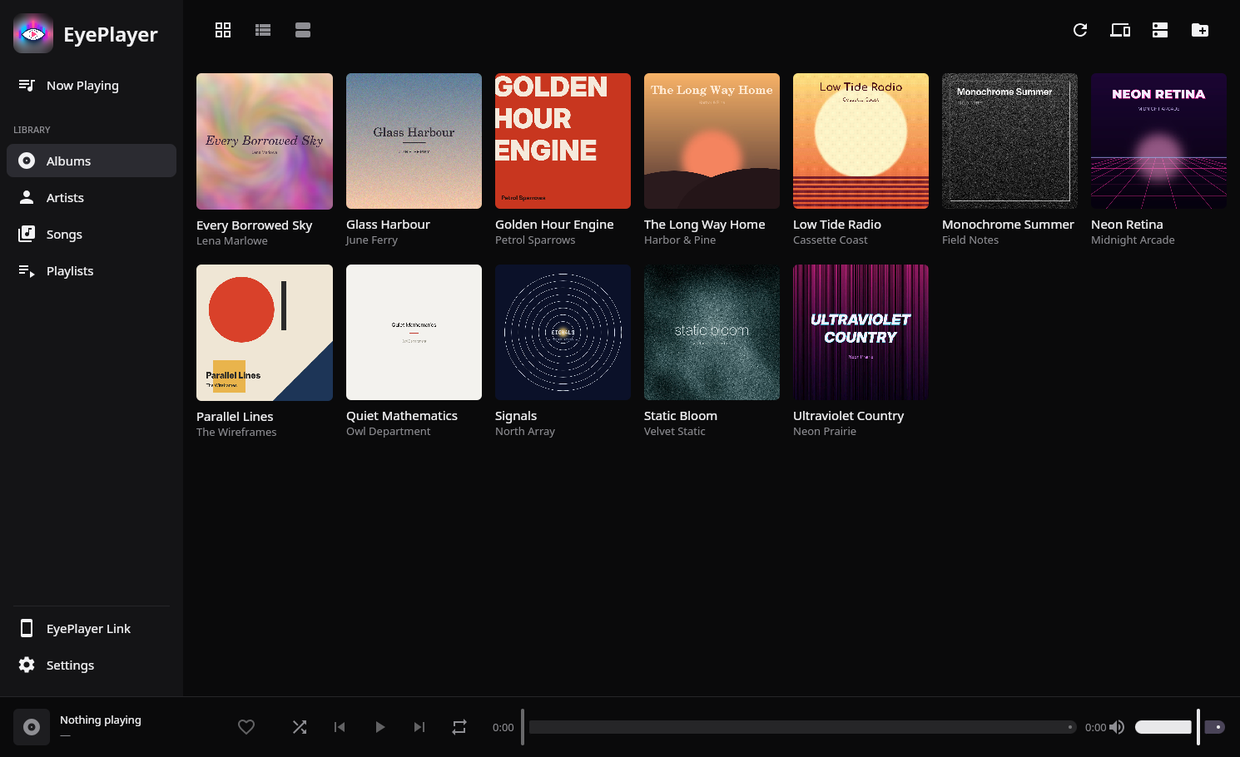
Phone and PC, first round of invites. Leave your email and you'll get one the moment doors open. That is the only thing the address is used for: no newsletters, no sharing, and the privacy policy is short because there is little to tell.
Play counts, ratings and history live on your device. There is nowhere to upload them.
No uploads, no lock-in. If a file manager can reach it, EyePlayer can play it.
Albums flow the way they were mastered, at the loudness you choose.
Both apps are free to use. Premium adds USB sync and the EQ, and drops the ads.