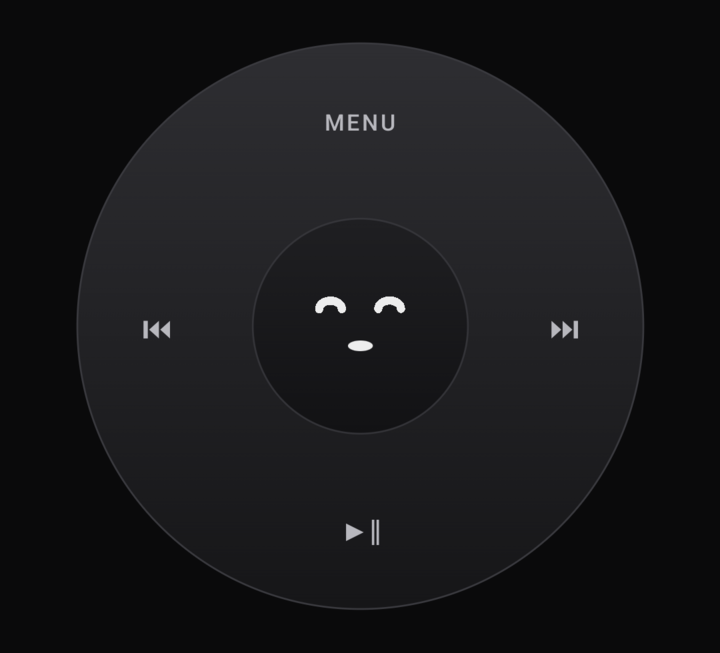
The wheel
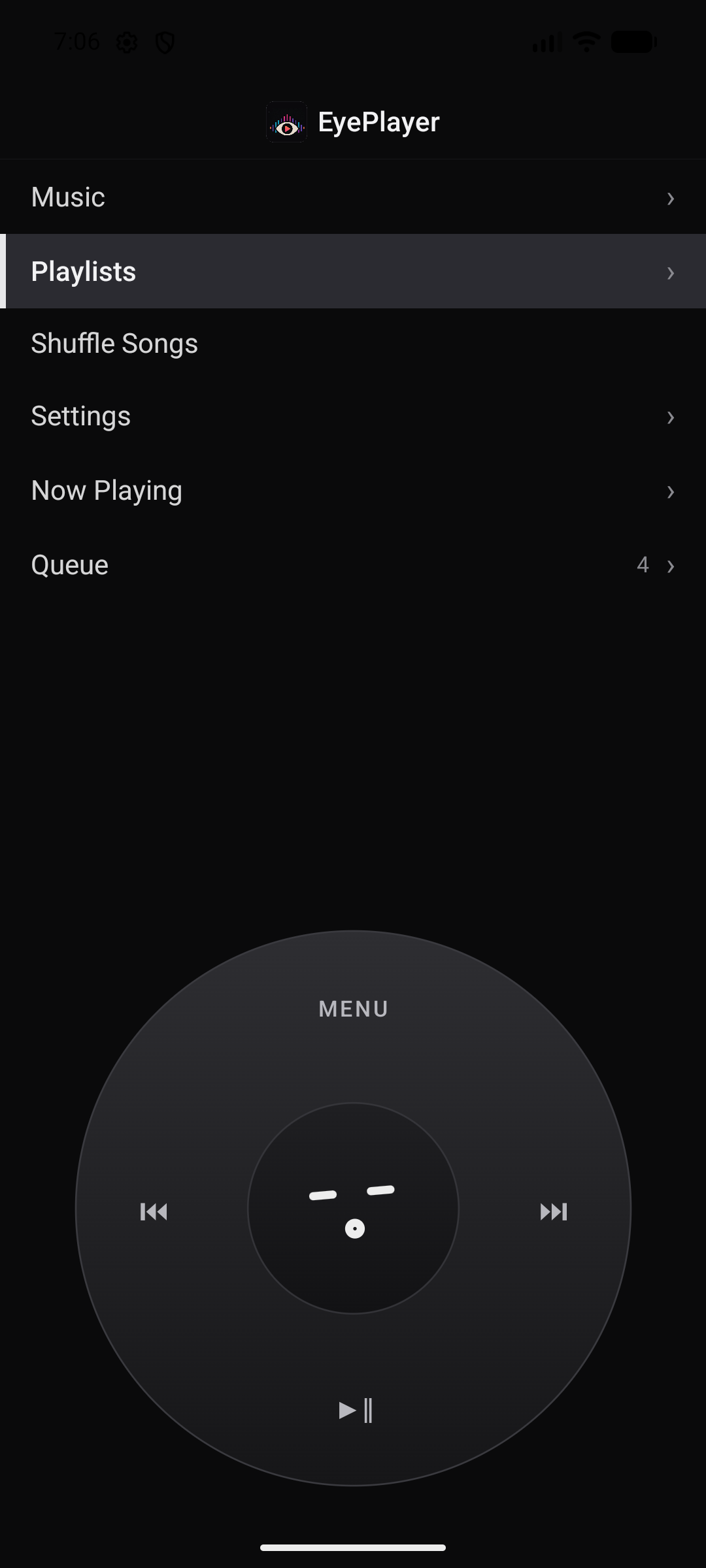
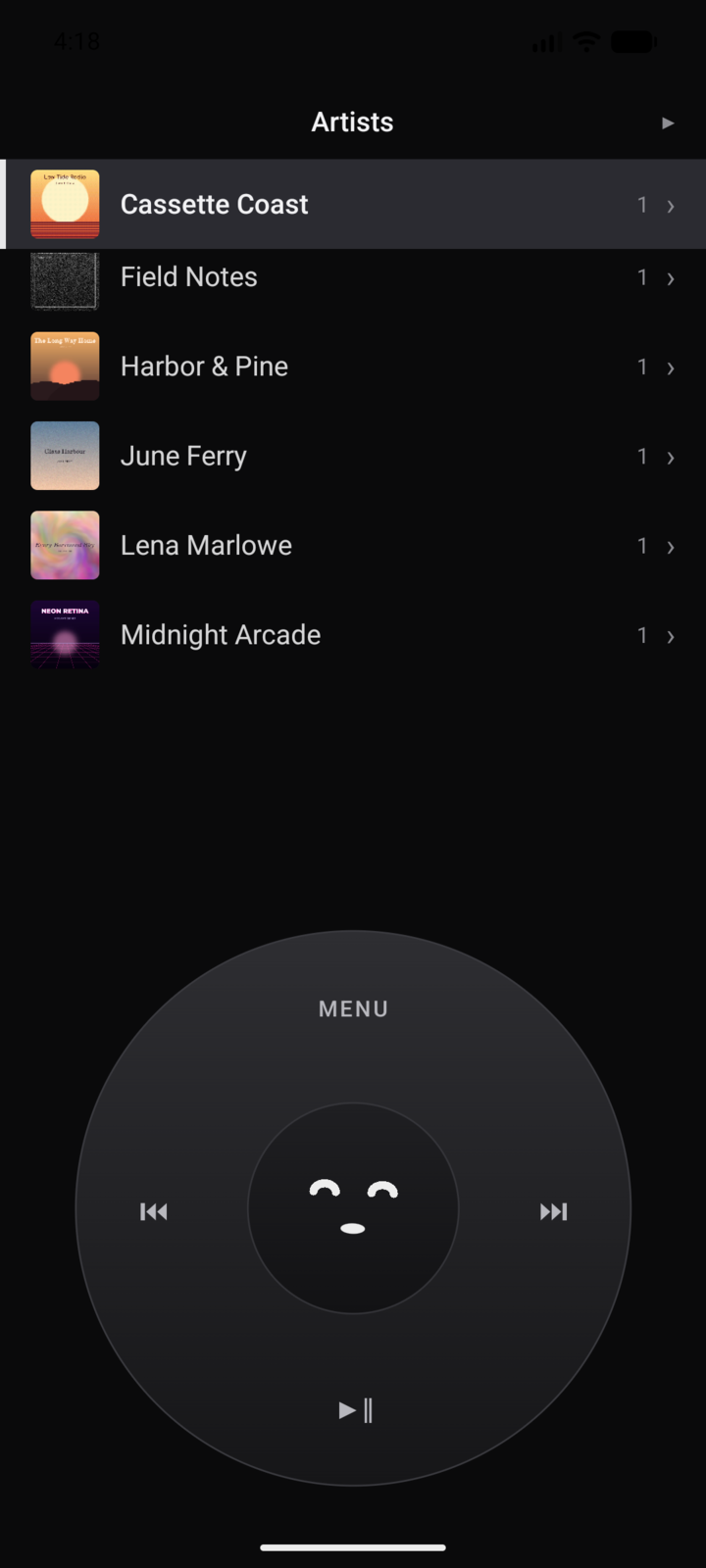
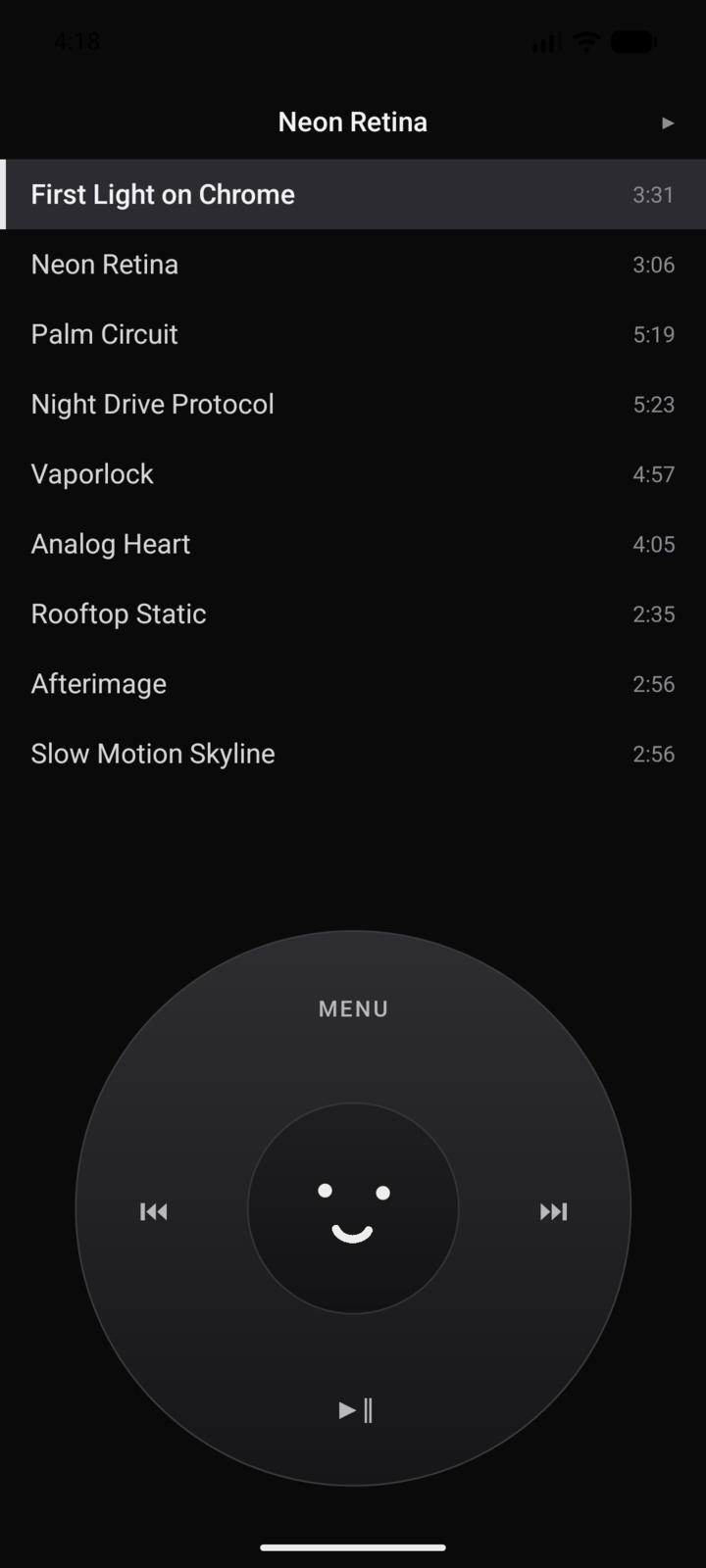
Spin to scroll, click to choose. Haptic detents, an optional piezo tick. Designed for fast, one-handed navigation without swiping through endless feeds.
A phone player with a real rotary touch wheel. A desktop player that runs your whole collection. One library between them: play it, stream it off your NAS, or plug in a cable and sync it. Gapless, ReplayGain, a proper EQ and bit-perfect output on both.
 EyePlayer
Spin to scroll, click to choose. Haptic detents, an optional piezo tick. Designed for fast, one-handed navigation without swiping through endless feeds.
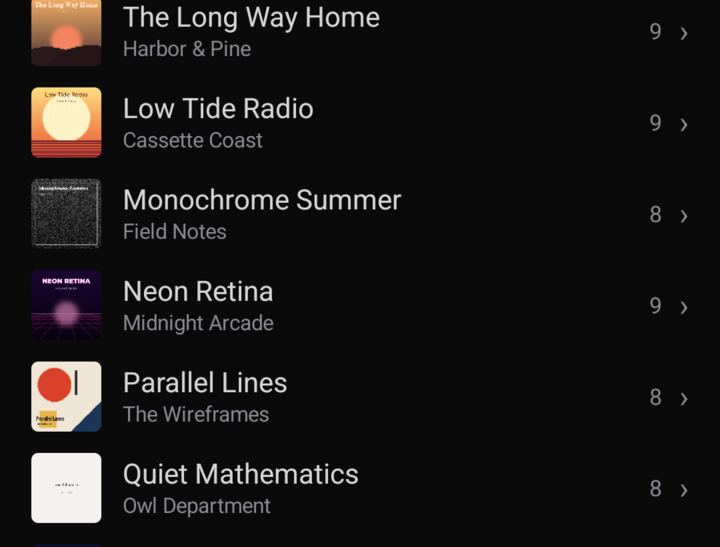
SMB shares, WebDAV, public Google Drive folders, HTTP servers, local folders, USB sync. Point it at the music you already own and press play. A smart cache keeps it working offline.
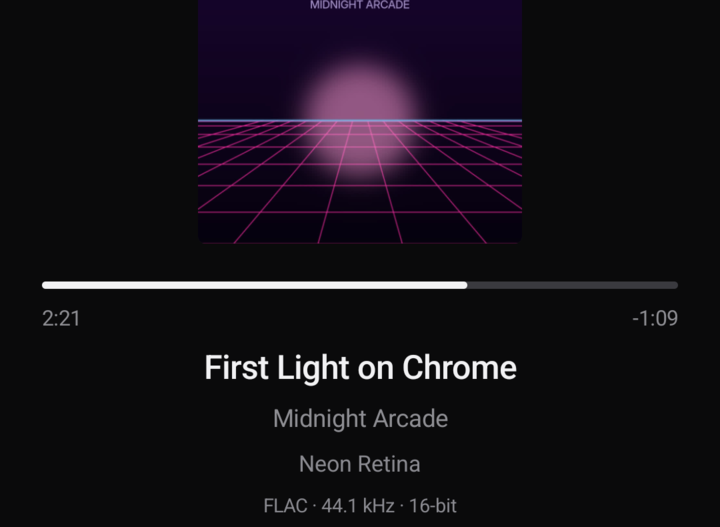
Source-rate following, sample-domain ReplayGain, and a bit-perfect mode that shows the exact format leaving your device. No mystery resampling.
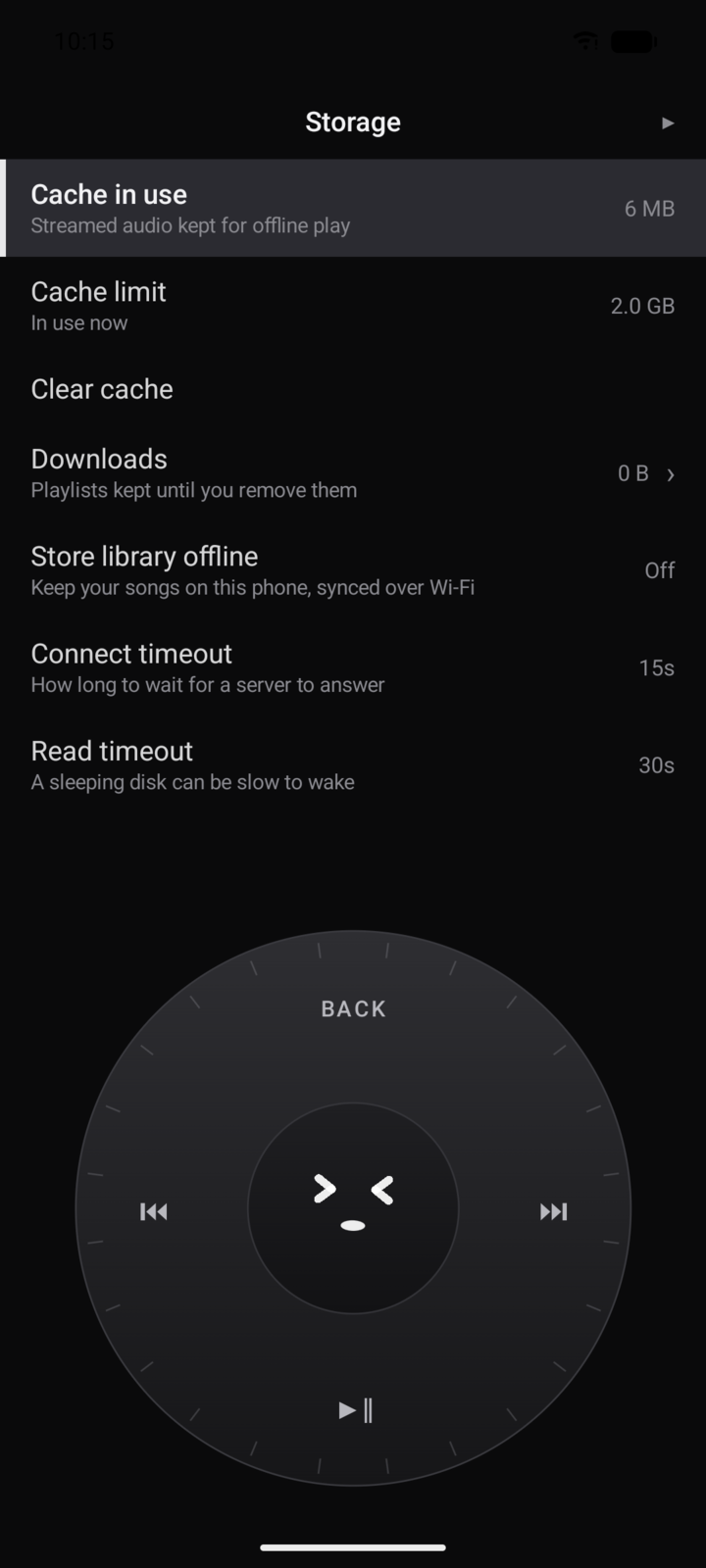
Out of the box you get the black anodised player you have seen so far, and that never changes on its own. But Settings › Appearance is yours to raid: ten ways to draw the wheel and fifty colours to spread across eleven parts of the app. A style only paints. The buttons, the detents and the screen reader labels stay exactly where they were, so nothing you pick can change what the player does.
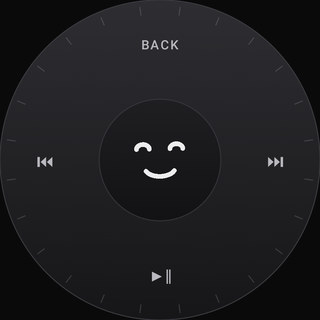
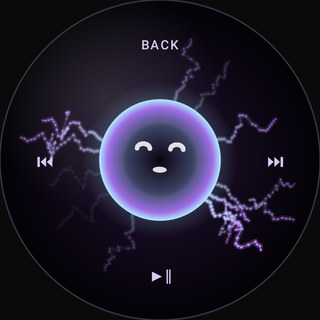
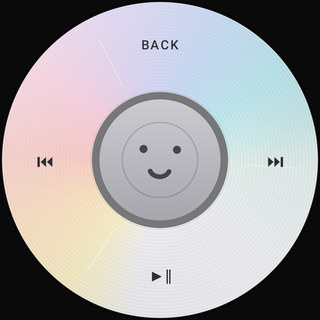
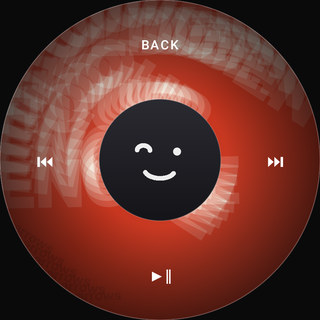
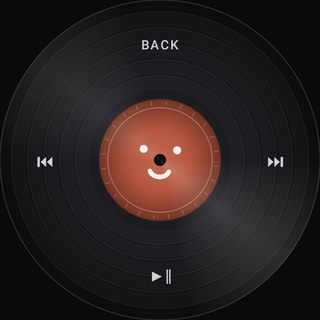
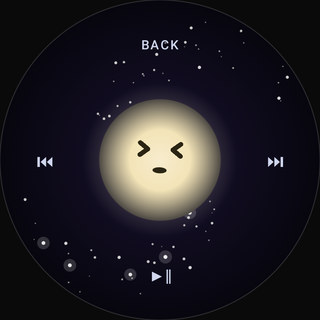
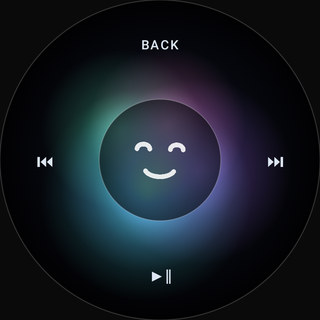
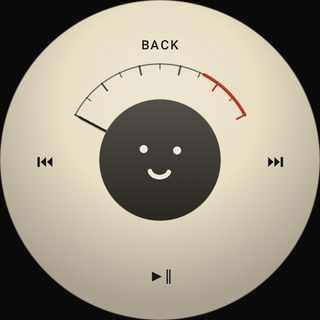
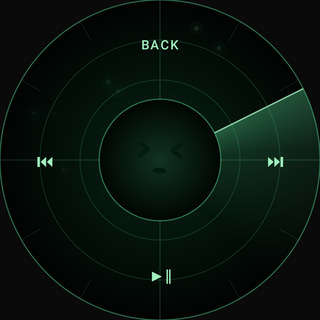
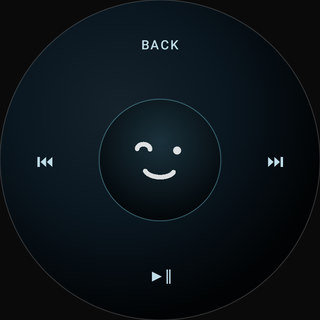
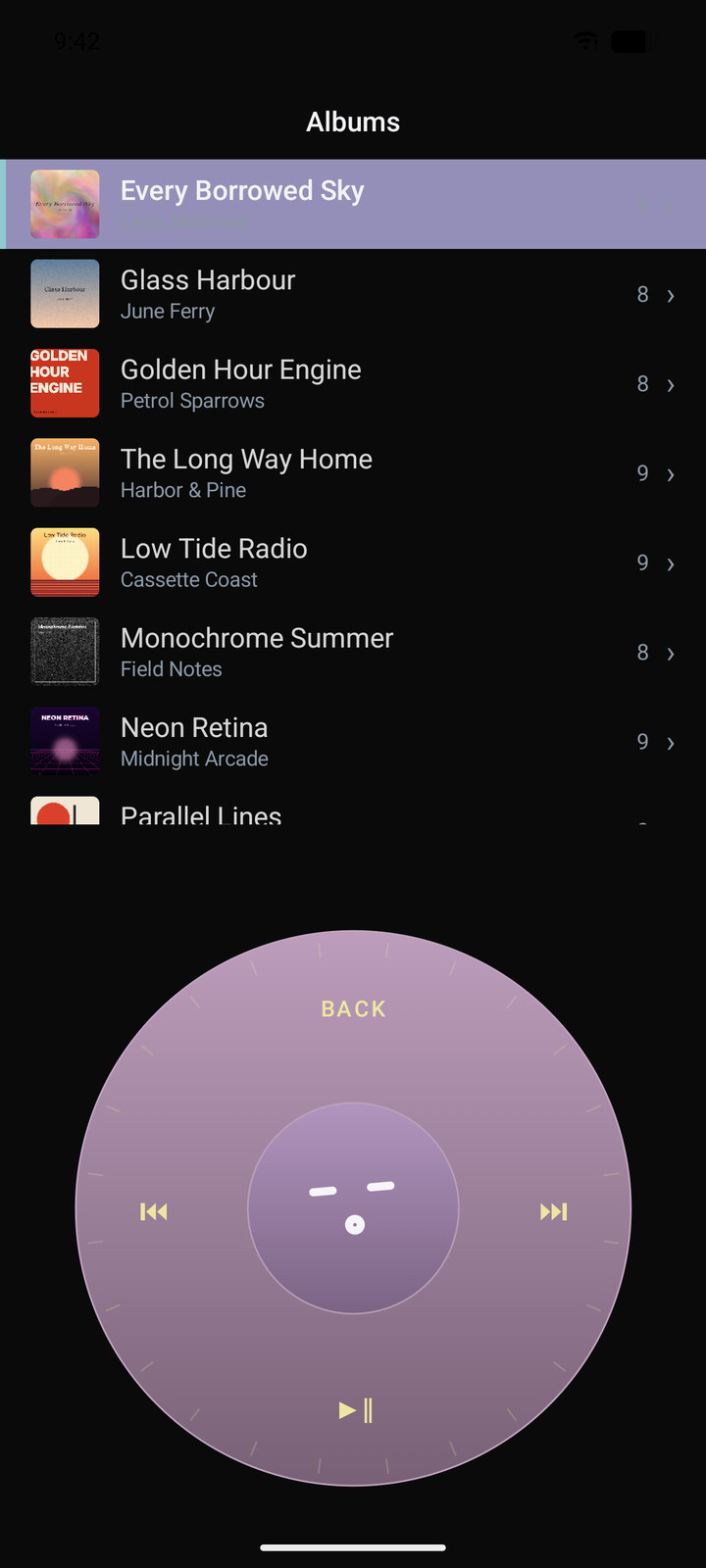
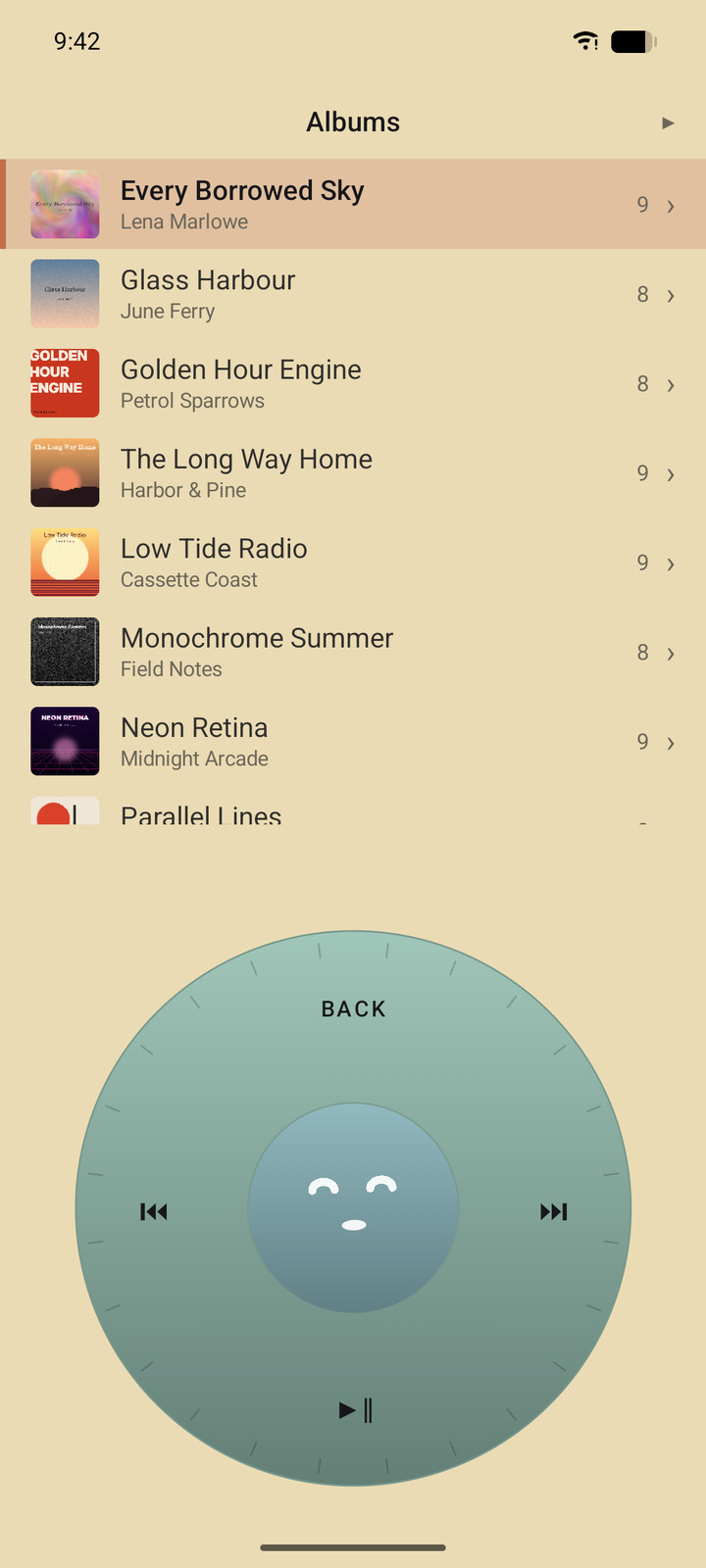
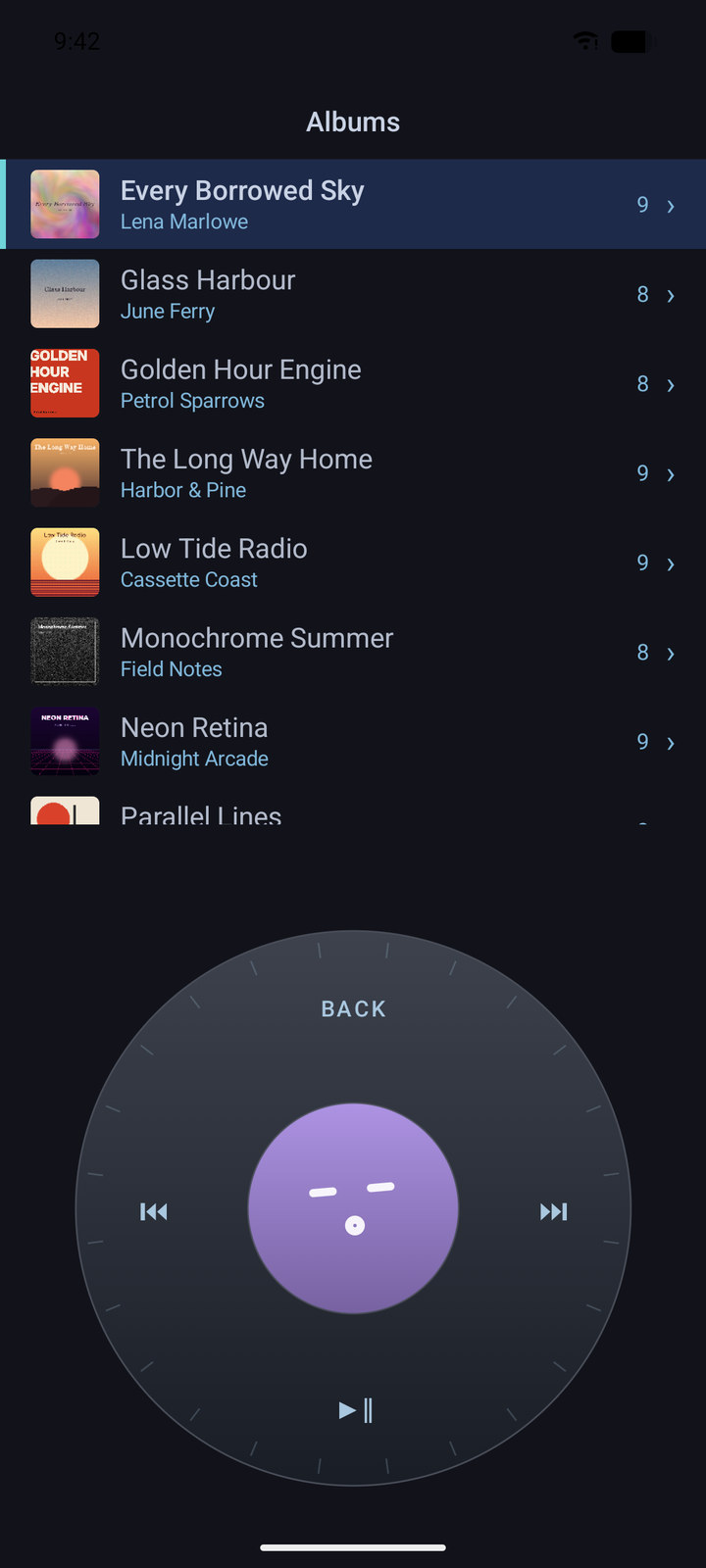
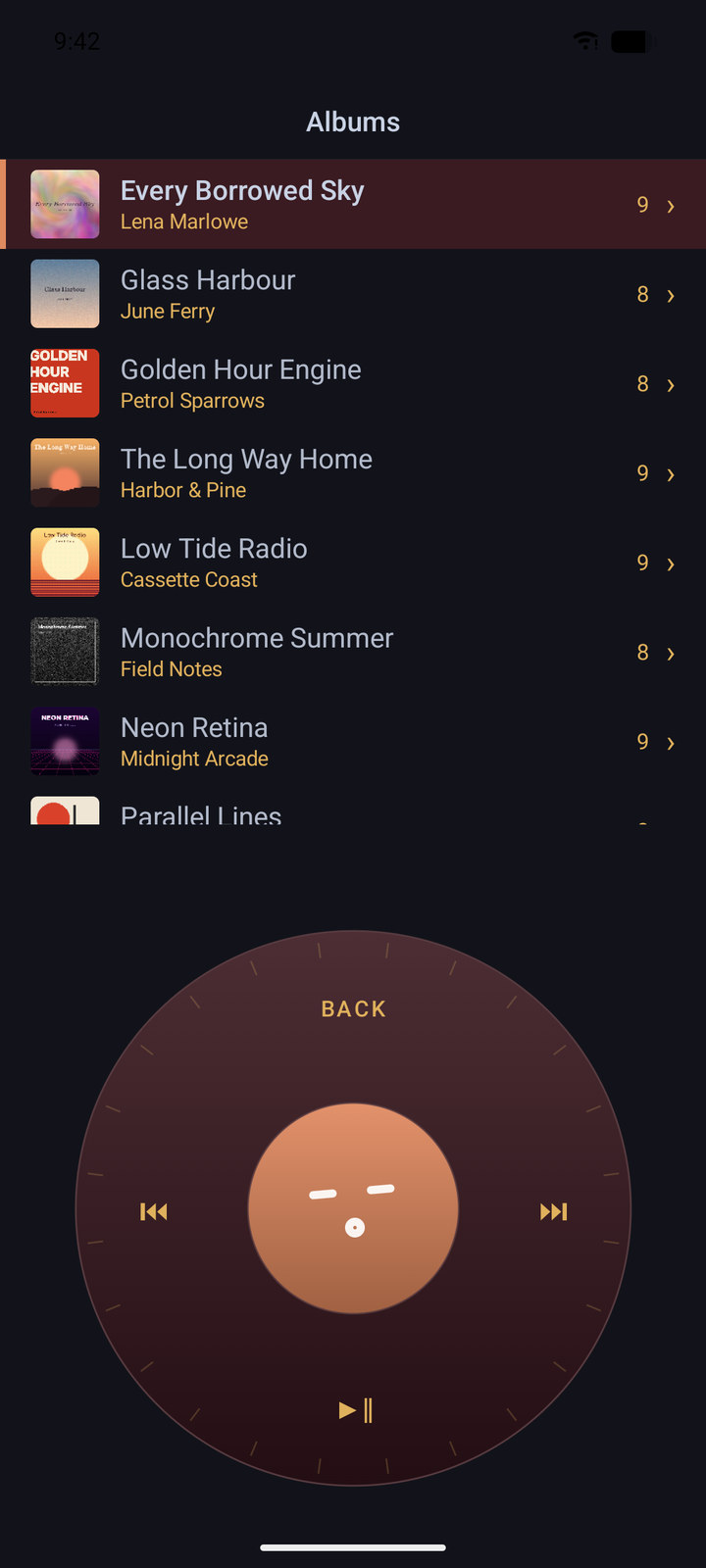
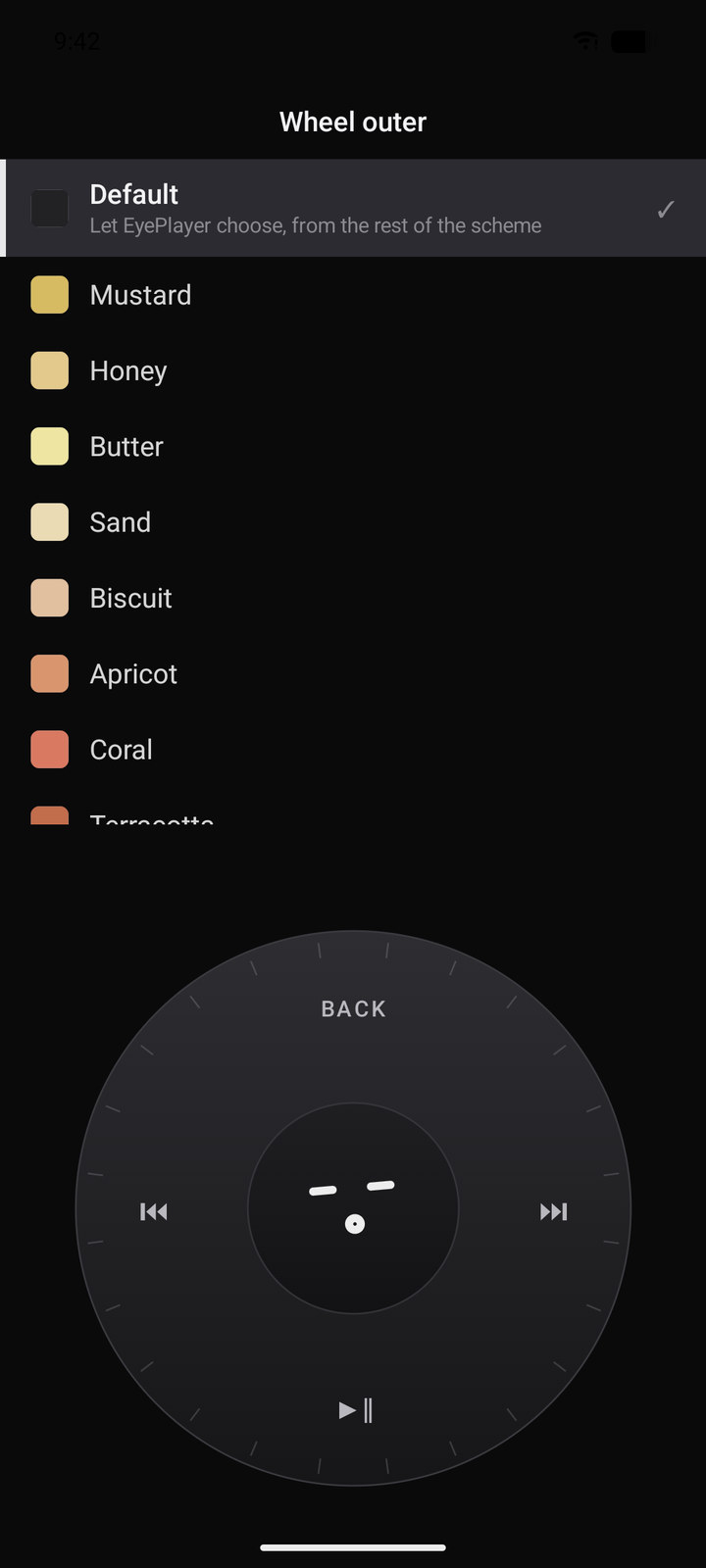
Four presets to start from, then change any part you like. Whatever you leave on Default is worked out from what you did pick, so a scheme stays a scheme rather than eleven unrelated decisions. And because a pale background flips the text dark by itself, you cannot accidentally make the player unreadable.
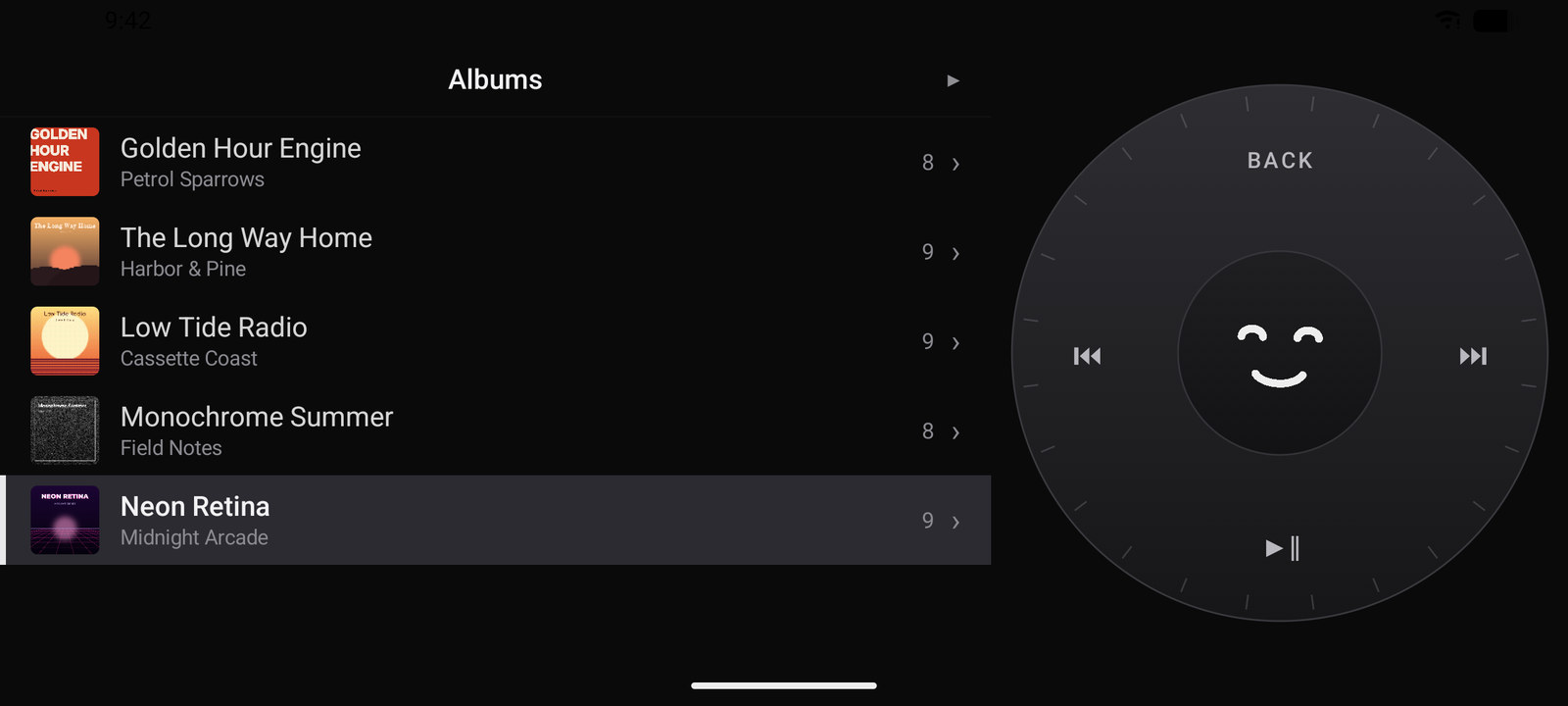
Landscape is not a squashed portrait. On a wide screen the list and the wheel sit side by side, at full size, with your thumb already where the wheel is. That is the arrangement you want on a desk, a stand, or a tray table. Wide tablets get the same layout the moment there is room for it, whichever way up they are.
EyePlayer for PC stands on its own: a fast album grid, playlists, tag editing, and the same gapless, ReplayGain-corrected playback at your desk. It adds a five-band equaliser and a bit-perfect mode that tells you the exact format leaving the machine. Windows and Linux.
Then plug in your phone. Your library syncs over USB, straight from your disk to your pocket. Nothing touches a cloud on the way. One account runs both.
Download for Windows or Linux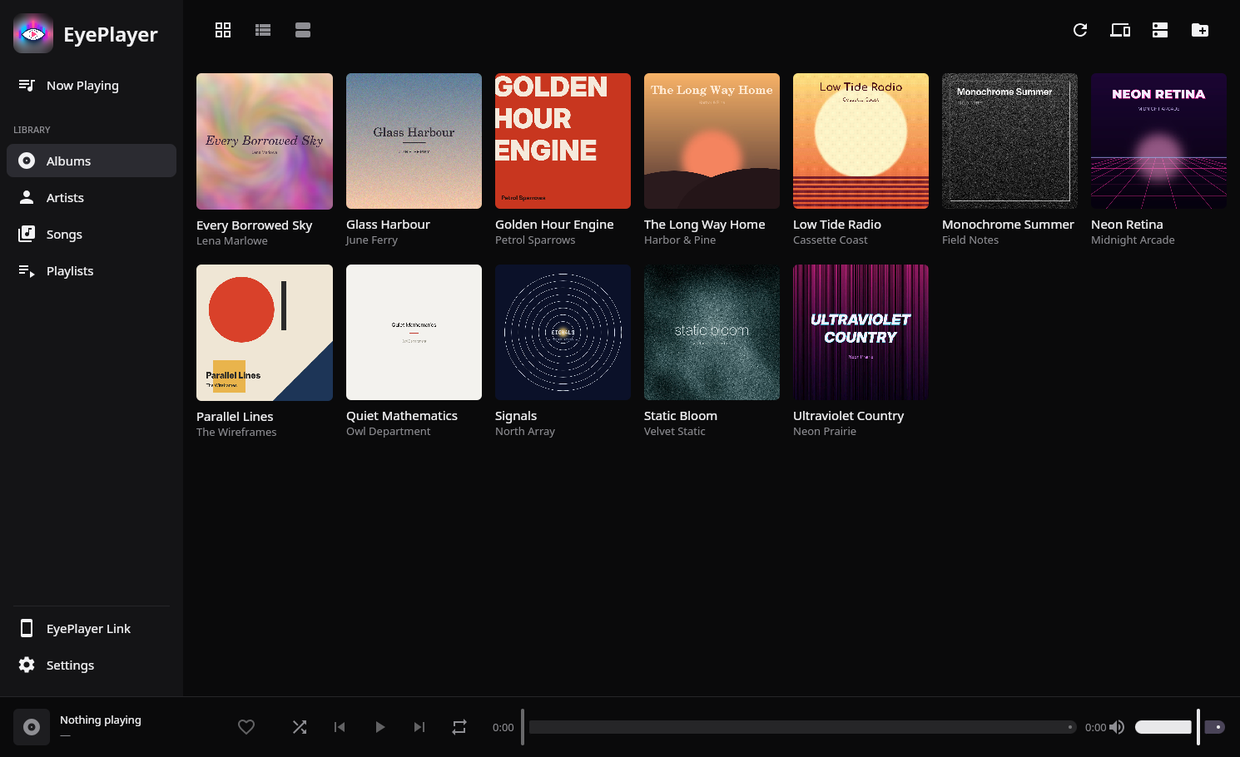
Android Auto support is built into the app: plug the phone in and EyePlayer appears in the car's app list, with your songs, albums and playlists in rows big enough to hit at seventy.
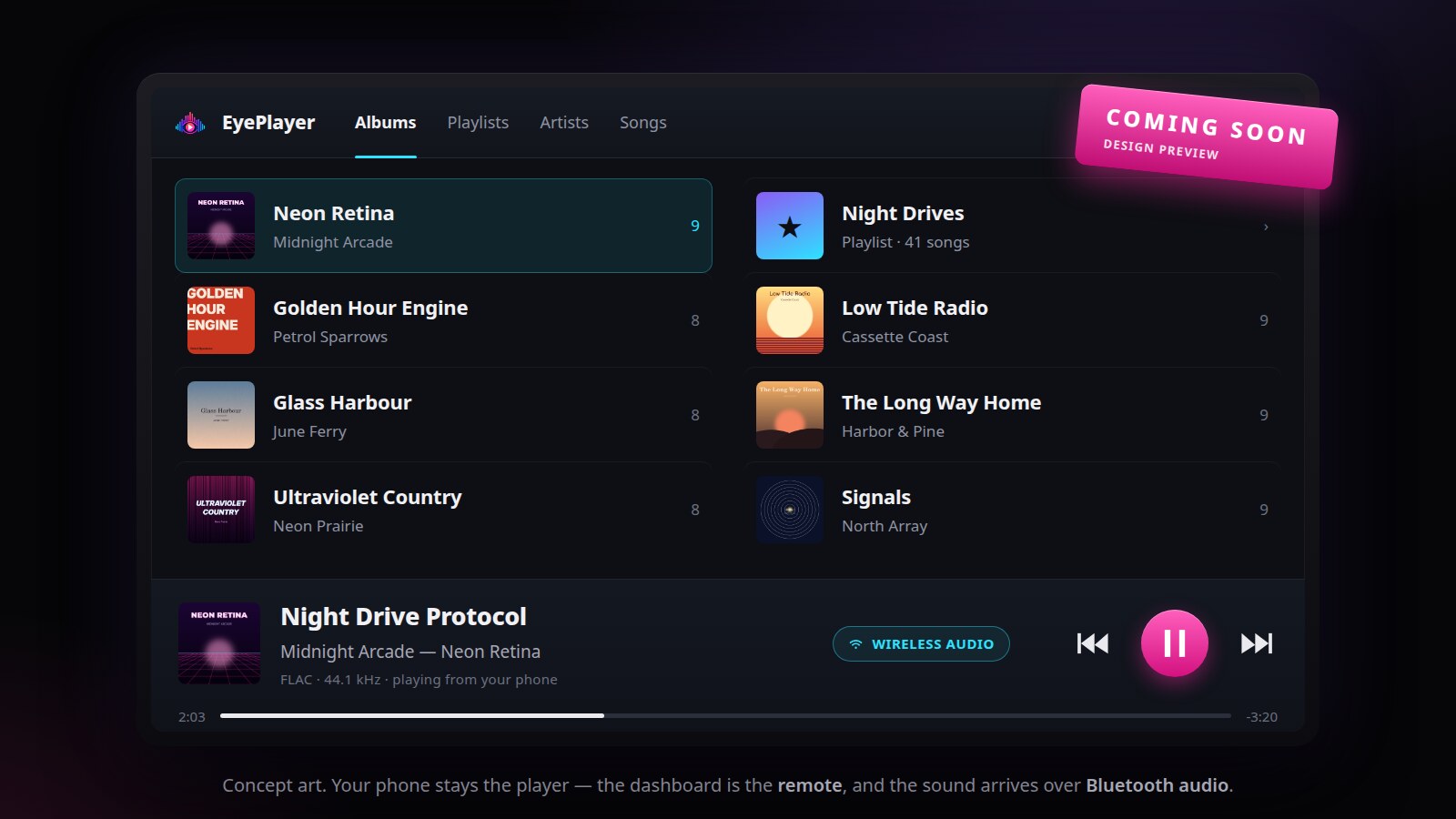
Tested in a real car, not just on a bench. One thing to know during the beta: because the app is sideloaded rather than installed from the Play Store, Android Auto will not list it until you switch on its developer mode and allow unknown sources. That step disappears once EyePlayer is on the Play Store. The image is a design mock-up, not a photograph of a head unit.
The Windows and Linux app is out now. The Android app is close behind, and an iPhone version is on the roadmap after that, though that timing may change. Leave your email and you will hear the moment the Android beta opens. That is the only thing the address is used for: no newsletters, no sharing, and the privacy policy is short because there is little to tell.
Your music files stay where they live. They are never uploaded. No analytics, no play tracking, no ad networks. Our privacy policy is short because there is little to tell.
No uploads, no lock-in. If a file manager can reach it, EyePlayer can index it. Formats: MP3, FLAC, M4A/AAC, ALAC, Ogg/Opus, WAV.
Albums flow the way they were mastered, at the loudness you choose.
Both apps are free to use. Premium adds USB sync, the EQ and ReplayGain, network sources and offline downloads, and drops the ads. A$10.99 launch price, paid once, no subscription.